VideoGameLive
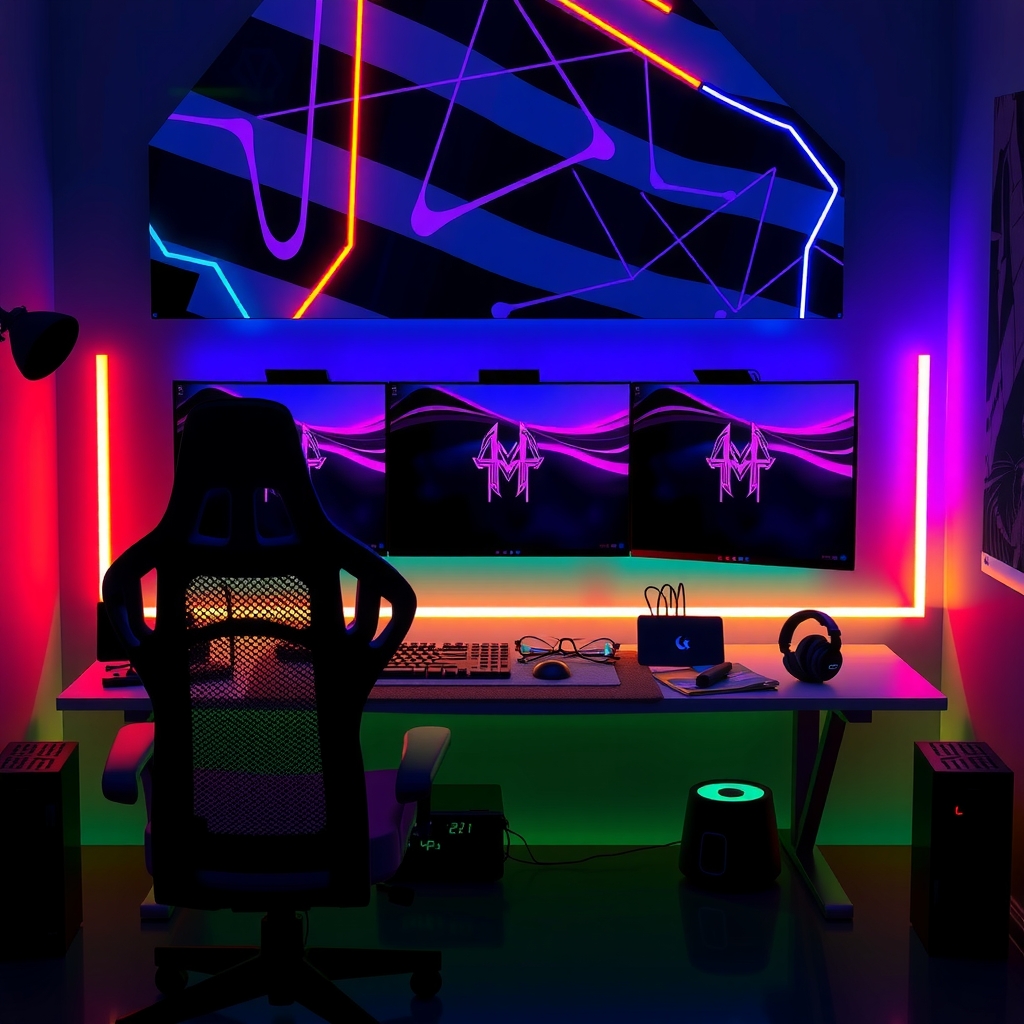
Ultimate dream gaming setup wide shot
Setup Tours

The Most Insane Gaming Setups On The Internet

Budget beasts, pro broadcaster rigs, and everything in between. Get inspired and start building your dream space.

Explore Setups ↓

Featured

Setup of the Month

Each month we spotlight one standout rig from our community. This month's build is absolutely wild.
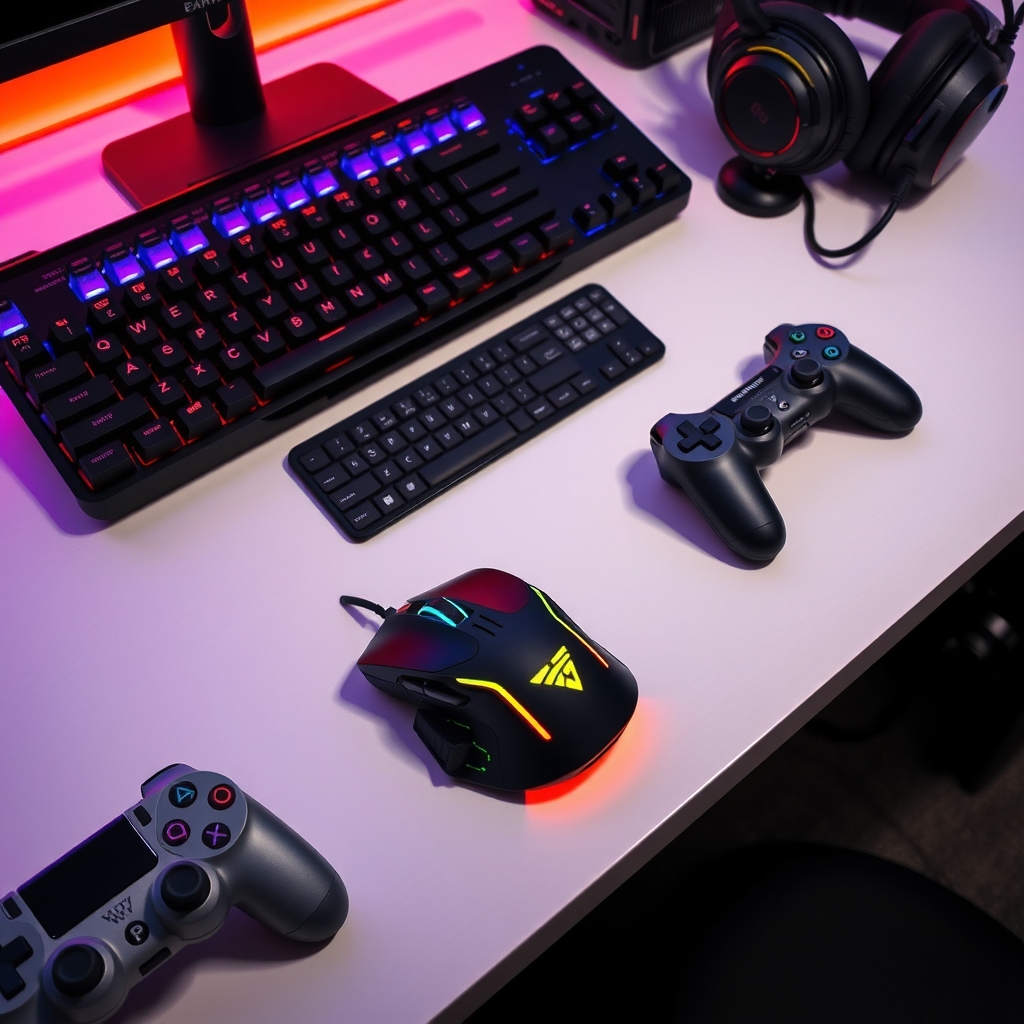
Close up of gaming desk accessories 🏆 Setup of the Month

The Triple-Monitor Command Center

A viewer-submitted masterpiece with custom lighting, a 49" ultrawide anchor, and cable management so clean it hurts.

🖥️
Display
49" Ultrawide + 2x 27" side monitors
🎮
Platform
PC Master Race (custom loop cooled)
🎙️
Stream Gear
Arm-mounted condenser mic, capture card, green screen
💡
Vibes
Bias lighting + ARGB strips synced to music
Submit your setup to win next month →

For Every Wallet

Budget Builds That Actually Slap

You don't need to spend a fortune to have a setup worth showing off. Here's how to tier up without going broke.
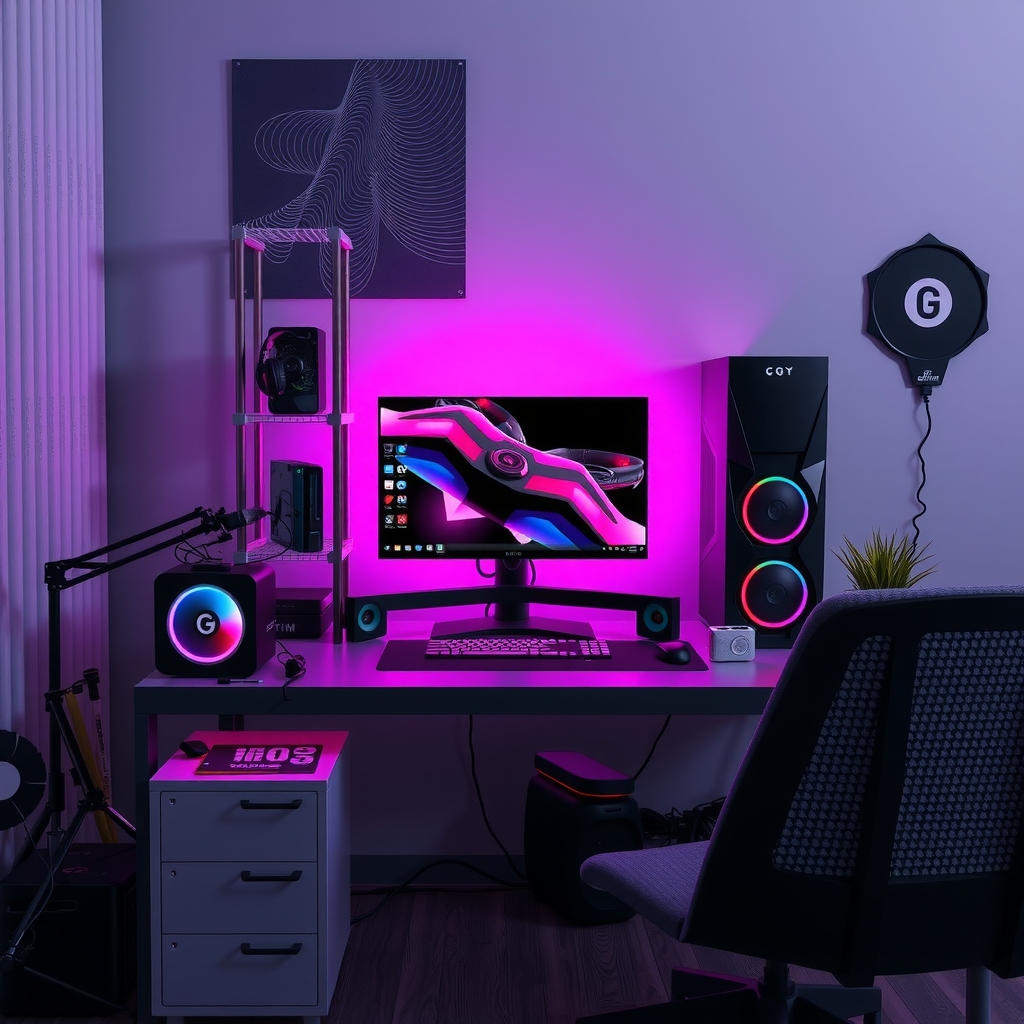
Budget gaming setup inspiration
🌱 Starter Setup
One monitor, a decent headset, and a chair that won't destroy your back. Focus on clean cable management and good lighting — free wins that make a massive difference.
⚡ Mid-Range Rig
Dual monitors, a mechanical keyboard, and your first RGB strip. Upgrade to a mic stand and a key light. Your stream quality jumps dramatically at this tier.
🔥 Dream Build
Ultrawide or triple monitor setup, custom PC loop, broadcast-grade mic and camera, acoustic panels. This is the endgame. See the pro setups below for inspo.

No Budget Limit

Pro Streamer Megabuilds

These are the rigs that top streamers actually game and broadcast from. Ridiculous? Yes. Inspiring? Absolutely.
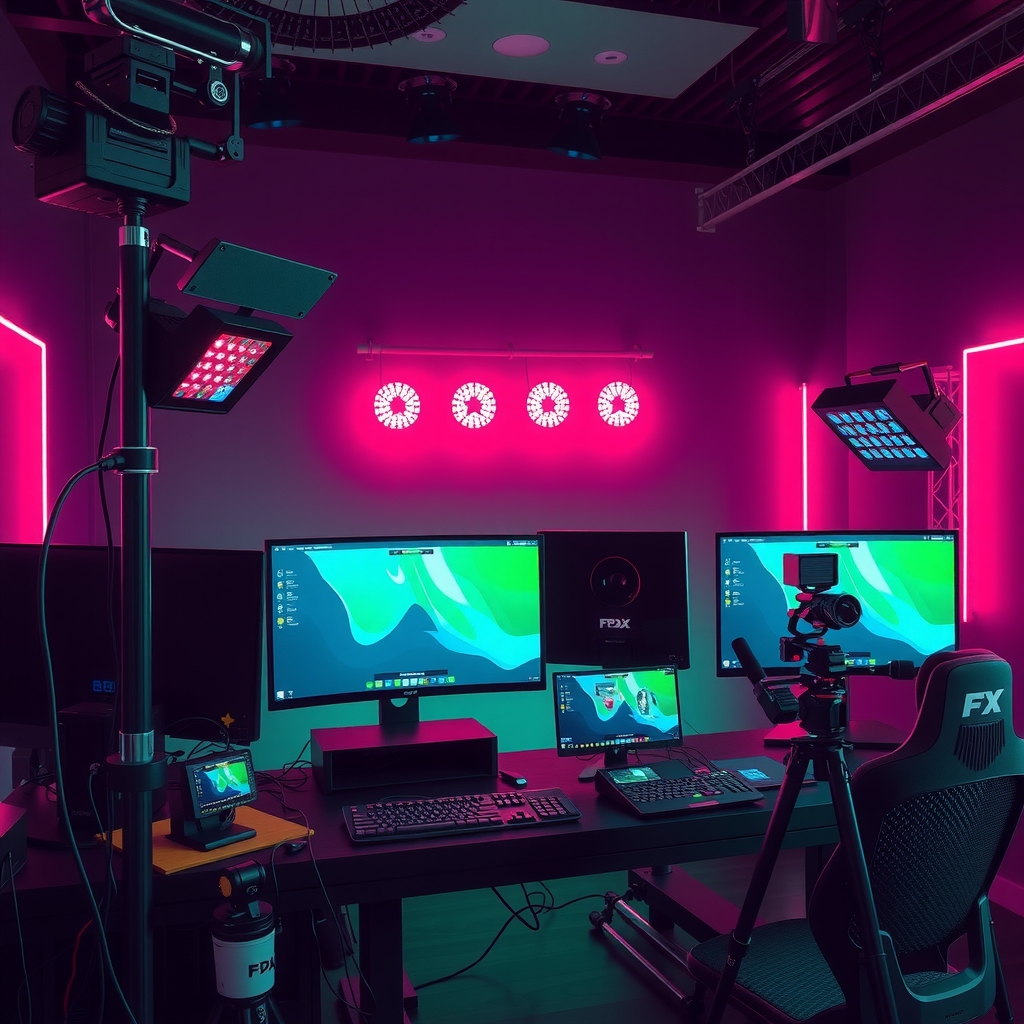
Professional streamer mega setup
01
The Broadcast Studio
Full acoustic treatment, broadcast console, two stream PCs, and a dedicated capture rig. This is literally a production studio in a bedroom.
02
The Esports Athlete Rig
240Hz+ monitors, low-latency peripherals, and zero distractions. Tuned entirely for competitive performance — no RGB, no frills, just wins.
03
The Content Creator Cave
Video production island, podcast setup, and a gaming desk all in one room. Multiple cameras, studio lights, and a greenscreen wall. Wild.
04
The Cozy Streamer Nook
Compact but incredibly dialed in. Warm lighting, a bookshelf backdrop, and gear that punches way above its footprint. Proof small setups can dominate.

Want to see the streamers behind these rigs? Check out our Streamer of the Week or browse who's blowing up on Trending Now.

Build Guide

The Ultimate Setup Checklist

Before you buy anything, make sure you've covered the essentials. Tick these off and your setup will be 10x better.

Ready to go live? Watch the best streams for inspo on Epic Clips or see what Gaming Challenges top setups are tackling right now.

📸

Got a Setup Worth Showing Off?

Drop your rig in the VideoGameLive community and you could be featured as our next Setup of the Month. Every build deserves a spotlight — budget or baller.

Share Your Setup →

Join thousands of gamers in the VGL Community — connect, compare builds, and level up together.

Frequently asked questions

What is the Setup of the Month feature on VideoGameLive?
Each month, VideoGameLive spotlights one standout gaming rig submitted by its community. The current featured build, called The Triple-Monitor Command Center, includes a 49" ultrawide monitor anchored by two 27" side displays, a custom loop-cooled PC, an arm-mounted condenser mic, a capture card, a green screen, and bias lighting with ARGB strips synced to music.
How can I submit my setup to be featured on VideoGameLive?
VideoGameLive invites users to share their gaming rig in the VideoGameLive community for a chance to be featured as the next Setup of the Month. The site welcomes all builds — budget or high-end — stating that every build deserves a spotlight. A submission link is available on the Setup Tours page.
What are the three budget tiers for gaming setups described on the site?
VideoGameLive outlines three tiers: a Starter Setup focused on one monitor, a decent headset, a back-friendly chair, clean cable management, and good lighting; a Mid-Range Rig adding dual monitors, a mechanical keyboard, RGB strips, a mic stand, and a key light; and a Dream Build featuring an ultrawide or triple-monitor setup, a custom PC loop, broadcast-grade mic and camera, and acoustic panels.
What types of pro streamer setups are showcased on VideoGameLive?
VideoGameLive features four pro-level rigs: The Broadcast Studio, which includes full acoustic treatment, a broadcast console, two stream PCs, and a dedicated capture rig; The Esports Athlete Rig, tuned for competitive performance with 240Hz+ monitors and no RGB; The Content Creator Cave, combining video production, podcast, and gaming setups with multiple cameras and a greenscreen wall; and The Cozy Streamer Nook, a compact but highly optimised setup with warm lighting and a bookshelf backdrop.
What essentials does the VideoGameLive setup checklist recommend before going live?
The VideoGameLive Ultimate Setup Checklist covers key items including positioning the monitor at the correct eye height, sorting cable management first, using a chair with good back support, adding bias or ambient lighting, setting up a microphone arm or stand, using a webcam or stream camera, choosing Ethernet over WiFi where possible, enabling surge protection, configuring streaming software, and ensuring the background looks good on camera.

Upgrade this site

Describe what you want — Pillar will plan, build, and deploy it.